
Measuring CRM bloat: what a Salesforce audit should count
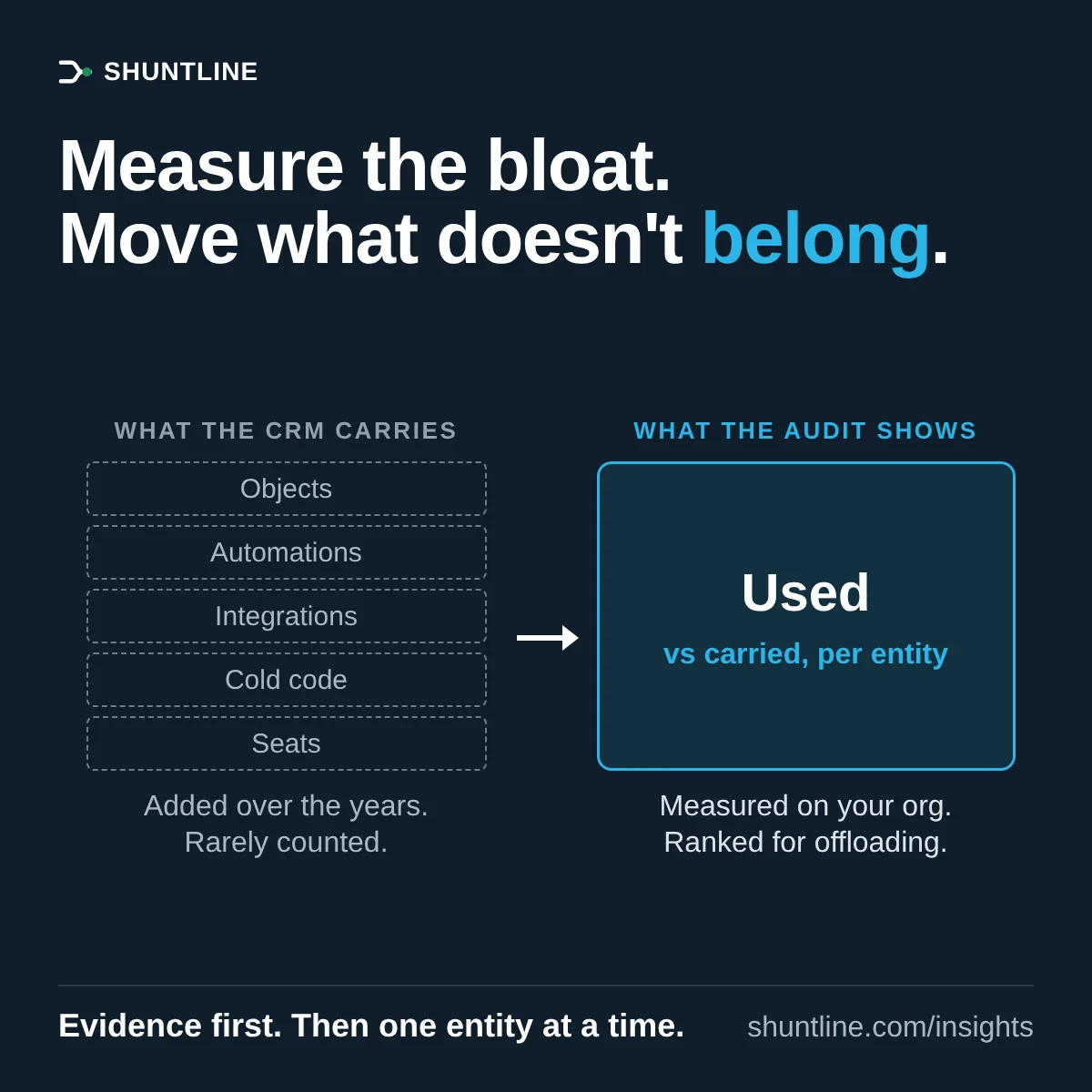
A Salesforce org grows by addition. A project adds an object, a team adds record types, an integration adds fields, a release adds flows. Removal is rare, because nobody can prove what is safe to remove. Bloat is what that leaves behind. It is not a judgement on the platform or on the people who built on it. It is a quantity, and it can be measured.
Six things to count
1. Seats that work
Separate the users who create or change business data from those who only read, and from those who do not log in. In a composite of eight enterprise estates, about 27% of contracted seats were doing work. Readers need the information, not necessarily a CRM seat.
2. Records, and when they last changed
Count records per object and the date of the last write. In the same composite, custom objects held more than twelve times the records of the core objects, and a large share sat on object types nothing had written to in two years.
3. Automation per object
Flows, triggers, validation rules, assignment rules. An object with heavy automation and few human visits is being run by machines. That is a sign of reference data, not of engagement.
4. Cold code and cold flows
Code that has not run, flows that no longer fire, processes left active after the project ended. They cost nothing per month and a great deal at each release, each migration and each security review.
5. Integrations per object
Which systems write to each object, and how often. An object fed by ten senders and read by reports is a dataset that happens to live in the CRM.
6. Fields that layouts ask for and nobody fills
The quietest form of debt: fields on the page, empty in the data. They slow users down and mislead every report built on them.
Turn counts into a cost per entity
Counts become useful when they are attached to an entity and to money: the seats an object justifies, the automation it carries, the integrations it needs. Then the conversation changes from "the org is complex" to "this object costs this much and is used this much".
Three conditions for an audit people trust
- Read-only, on your side. The audit reads metadata and usage. It changes nothing in the org.
- Checkable. Every figure can be traced to the objects and users behind it.
- Repeated. A new run each month, compared with the last, shows whether the curve bends.
From finding to action
Most findings lead to a simple decision: retire it, keep it, or move it. Cold code is retired. Engagement objects are kept. Reference data, the referentials, moves next to the warehouse, one entity at a time.
CRM Insights is the audit we run this way: per Salesforce org, per month. It also detects the patterns that can be extracted and offloaded to Snowflake.
Next: Reverse ETL from Snowflake: send the audience, not the database →