
Shuntline›Blog›Lead management
Why lead management has to leave the CRM
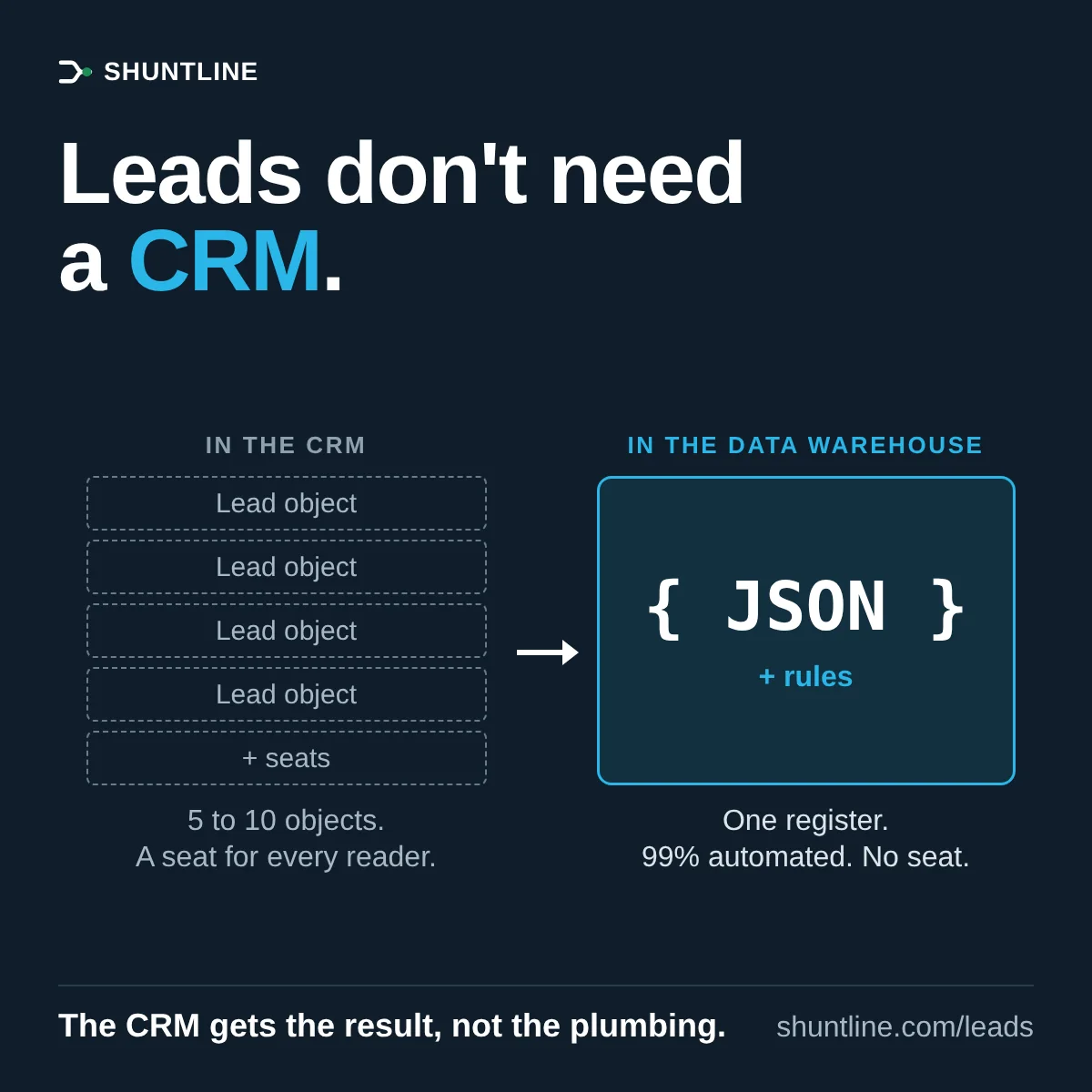
Most enterprises manage leads in Salesforce because that is where sellers are. It sounds logical. Look at what actually happens to a lead, though, and very little of it is selling.
What a lead really is
A lead arrives from a web form, a partner feed, an event list or an AI agent. Each sender has its own fields. The lead is checked, completed, compared with what the company already knows, and filed for whoever acts on it next. Most leads never reach a seller, and they should not: they are duplicates, existing customers, students, or simply not ready.
So a lead is two things: a payload, in whatever shape the sender chose, and rules that decide what happens to it. Nearly all of the work is done by automation. People step in for the exceptions.
What it becomes in a CRM
A CRM stores records in objects with fixed fields. To hold leads from many senders it needs more than one of them: the lead itself, then custom objects for sources, scoring, partner attribution, product interest, assignment history. Five to ten objects is common in a mature org. Each one brings validation rules, flows, triggers, sharing rules and an integration per sender.
Then come the seats. Marketing operations, partner managers and analysts need to see the leads, so they get a CRM licence to read a list. None of this is engagement. It is plumbing, and it runs inside the system that is the most expensive place in the company to run plumbing.
The obvious way: in the data warehouse
Snowflake stores JSON natively. A lead can be kept exactly as it was sent, whatever its shape, and queried like any other column. No field has to exist before a sender can use it.
- One register instead of five to ten objects: every lead as sent, with its status, its flags and the folder it was filed in.
- Rules instead of code: an administrator edits them, tests a payload against them, and sees where it would land.
- Context already there: the customer list, orders, product usage and consent are in the same account. Checking a lead against them is a join, not an integration.
- No seat to read: people who only look at leads use the access they already have to Snowflake.
What Salesforce still gets
The result. A lead that is qualified, deduplicated and worth a seller's time is handed to Salesforce, where the seller works it. Partners collect their own folder. Marketing reads the register where it lives. The CRM gets lighter and the seller's list gets shorter and better.
Nothing here is against the CRM. It is a question of putting each job in the system built for it: engagement in the CRM, intake and routing next to the data.
Where to start
Count first. How many objects carry your leads today, how many automations fire on them, and how many people hold a seat only to read them? Then move the intake, keep the hand-off, and compare.
Shuntline Leads is the Snowflake Native App we built for this: it runs in your own account and is available on the Snowflake Marketplace.
Next: The reverse CRM: start from the data, not from the CRM →